Projects & ExpensesUpdated October 5, 2026
Logging business expenses
Record business costs with a category, amount, currency, date, and project, and mark them billable to a client.
Keep track of software subscriptions, equipment, travel, and project costs in one place.
How to log an expense
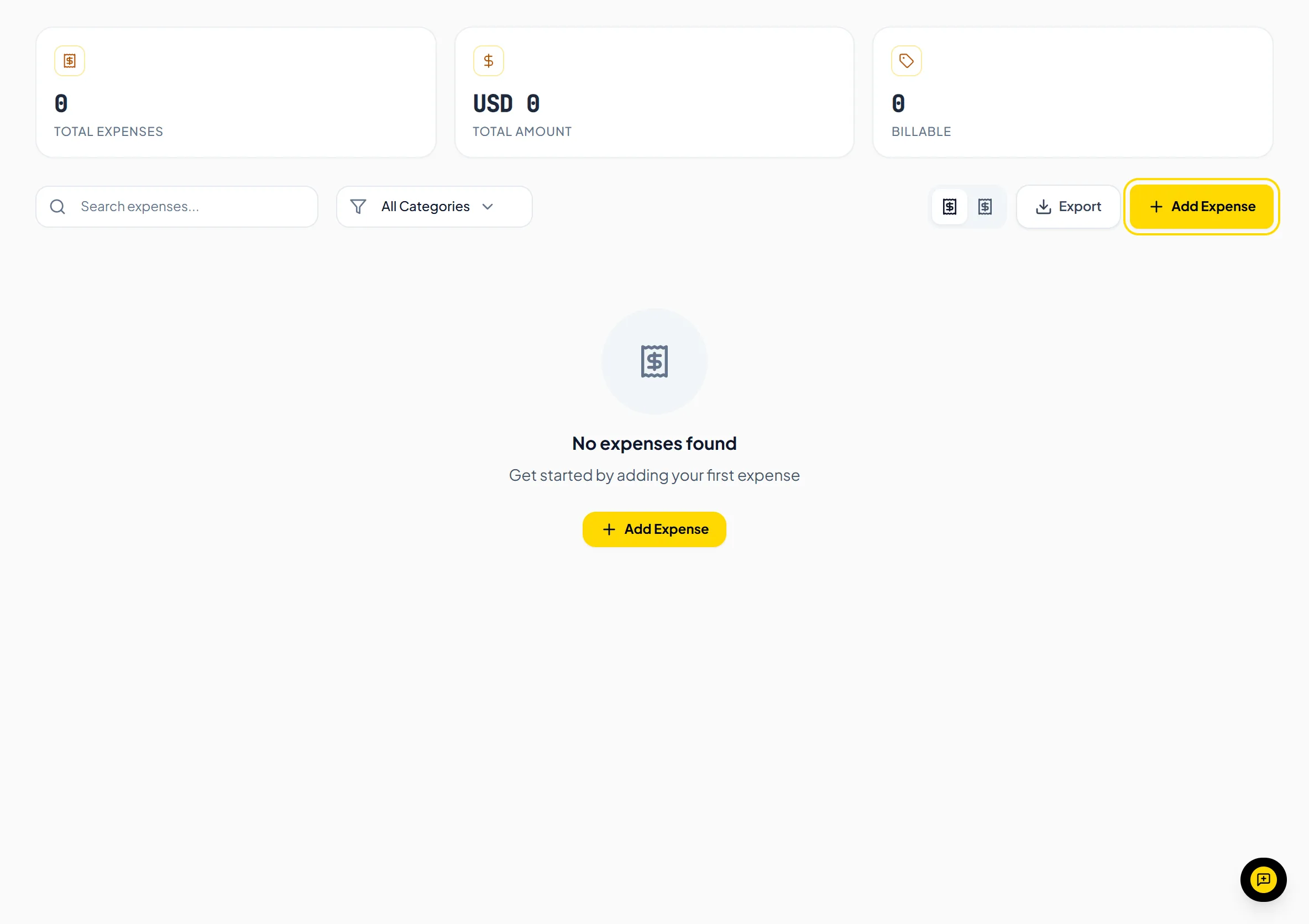
- Go to Expenses in the sidebar and click Add Expense.
- Choose a Category: Travel, Meals, Office Supplies, Software, Hardware, Utilities, Rent, Professional Services, Advertising or Other.
- Enter the Amount, Currency and Date.
- Optionally choose a Project and add a Description.
- Tick Billable to client if you will bill the cost back to your client.
- Click Add Expense.
Important NoteThere is no receipt upload, and no separate field for the supplier or the tax amount. Add those details to the Description if you need them.
Helpful TipLink expenses to a client project so you can see expenses per project.
Was this guide missing something or do you need further clarification?Contact Support
Related Guides
Billing expenses back to clients on invoices
Mark expenses as billable to a client, link them to an invoice, and add them to the invoice as a line item.
Read guide
Creating projects and deliverables
Set up hourly or fixed-price client projects, then add deliverables once the project is created.
Read guide
Navigating your dashboard and key metrics
Understand monthly revenue, net income, outstanding balances, hours tracked, and quick actions on the dashboard.
Read guide
Ready to streamline your invoicing?
Start on Invollo’s free plan with no credit card required. Manage invoices, time tracking, and client billing in one place.
Free forever plan · No credit card required · 0% of your client payments