Invoicing
Invoices that get paid, and follow up on their own
Turn tracked hours, expenses or fixed-price work into a branded invoice, send your client a payment link, and let Invollo email the overdue reminders. The money goes straight to your own Stripe or PayPal account.
Free forever plan · Invollo never holds your money
The problem
Invoicing is the part of the job that quietly delays your pay
Creating invoices by hand, calculating unbilled hours, and chasing overdue clients wastes time. Invollo puts the whole path—from tracked hours and billable expenses to online payments and automatic overdue reminders—into one simple, reliable workflow.
How it works
From finished work to a paid invoice in four steps
Add the client and currency
Choose from 26 currencies with automatic conversion back to your workspace reporting currency.
Build the invoice
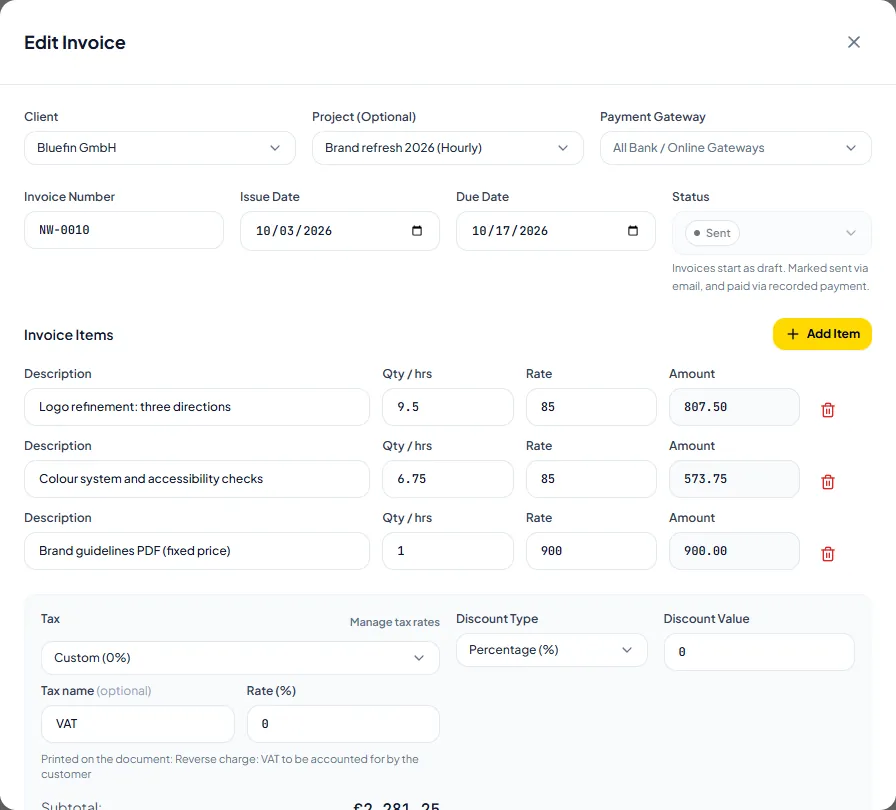
Add tracked hours in decimal units, billable expenses, or fixed items with taxes and discounts.
Send it with a pay link
Email the invoice or share a direct payment link so clients can pay by bank, Stripe, or PayPal.
Automatic follow-up
One polite automatic overdue reminder is sent if an invoice goes unpaid, and recorded payments update the balance.
What you get
Everything a freelance invoice needs, nothing you have to bolt on
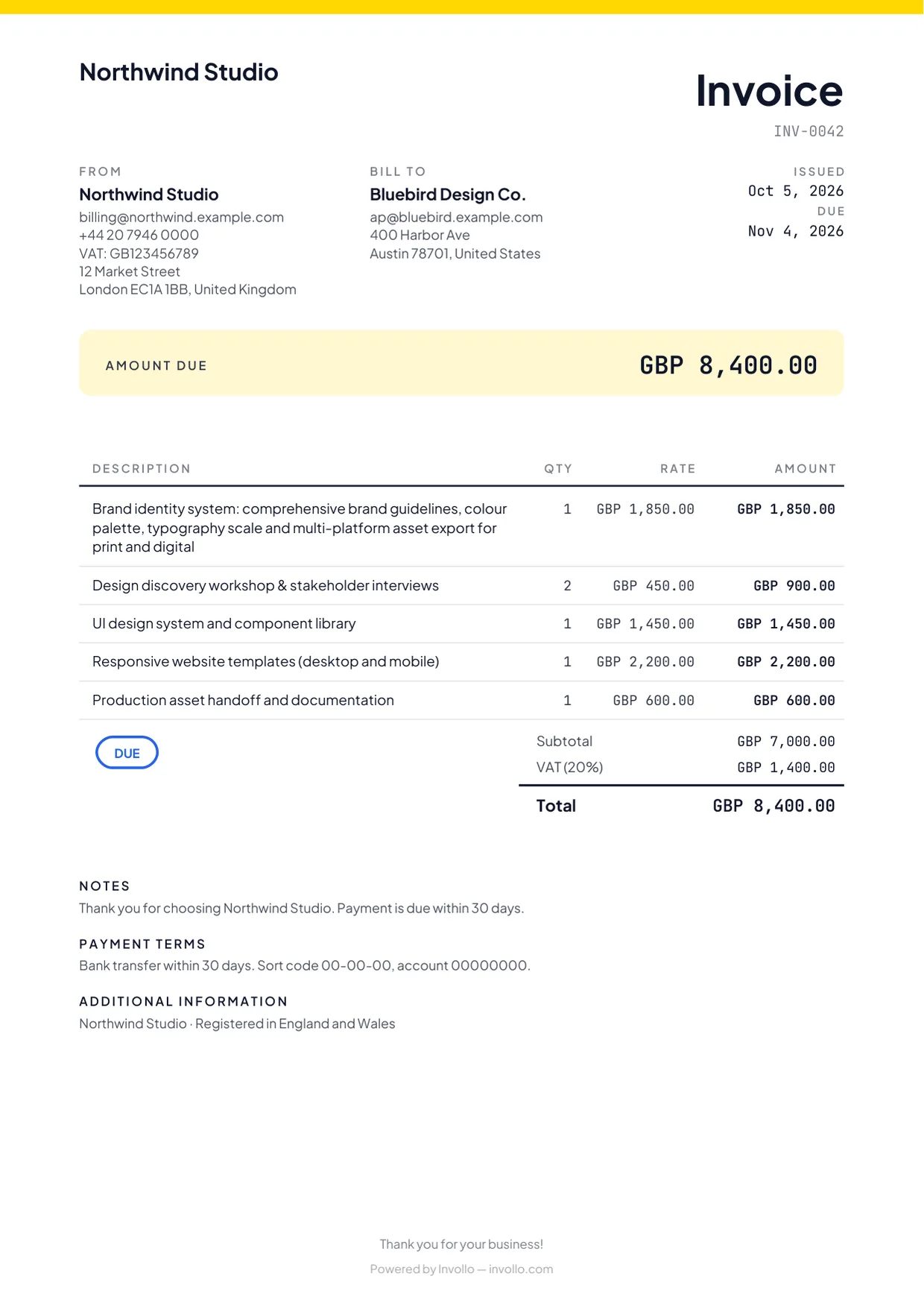
Branded PDF invoices
Customise clean PDF invoices with your logo, business details, and chosen invoice template.
26 currencies with conversion
Invoice clients globally in 26 currencies with daily exchange rate conversion to your workspace currency.
Paid straight to your account
Connect Stripe or PayPal or show bank details so clients pay you directly. Invollo takes 0%; your bank's or payment provider's own fees still apply.
Partial and manual payments
Record deposits, instalments, and manual bank transfers with automatic balance calculations.
Automatic overdue reminder
Invollo sends one polite automatic reminder email when an invoice becomes overdue.
Billable expenses and time
Convert logged project hours and billable expenses into invoice lines.
The fine print, up front
No invented stats. Here is what we can promise.
0% of your client payments
Clients pay you directly into your bank, Stripe or PayPal account. Invollo never holds the money and takes 0%; your bank's or payment provider's own fees still apply.
A free plan that never expires
The Free plan costs nothing, has no trial clock, and never expires. Upgrade only when you need more.
Export your data anytime
Download your records as CSV or JSON whenever you like, on any plan. No lock-in.
Your workspace stays yours
Workspaces are isolated at the database level, passwords require at least 12 characters, and sign-in forms block bots.
FAQ
Invoicing questions
- Does Invollo take a fee from my invoice payments?
- No. Clients pay you directly via bank transfer, Stripe, or PayPal. Invollo takes 0% commission; your bank's or payment provider's own fees still apply.
- Can I send invoices on the free plan?
- Yes. Invoicing, payment links, and reminders are included on the Free plan with no time limit.
- Which currencies can I invoice in?
- You can invoice in 26 currencies. Clients pay via Stripe, PayPal in 24 currencies, or bank transfer.
- How do automatic payment reminders work?
- When an invoice is past its due date, Invollo sends one polite automatic reminder email with the payment link.
Related
Send your next invoice from Invollo
Start on the free plan, with no credit card and no trial clock. Upgrade only when you need more.