Expenses
Expense tracking that connects costs to clients and invoices
Record what you spend by category and project, note who you paid, and mark client costs as billable so they land on the next invoice. Your dashboard shows expenses and net income next to revenue, in your workspace currency.
Receipt scanning (OCR) isn’t available yet. It’s on our roadmap under consideration.
The problem
Small costs add up, especially the ones you forget to re-bill
Client travel, contractor fees, and project software purchases slip through the cracks when tracked in disparate receipts and notes. If they never reach the invoice, you pay out of pocket. Invollo organizes expenses by project and category, making billable costs easy to add to client invoices.
How it works
How expense tracking works
Log the expense
Enter the expense amount, date, currency, and select a predefined category.
Link it to a project
Associate the expense with a specific client and project to track delivery costs.
Mark it billable
Flag client costs as billable so you can add them to your next invoice.
Watch the numbers
View revenue, total expenses, and net income on your workspace dashboard.
What you get
What you can do with expenses in Invollo
Ten built-in categories
Organize expenses into standard categories including Software, Travel, Hardware, and Professional Services.
Any of 26 currencies
Log expenses in any currency and view automatically converted totals in your workspace currency.
Expenses per project
Tie each cost to a client project so you can see what a project really cost to deliver.
Billable expenses
Flag reimbursable expenses so they remain visible until billed to the client.
Add expenses to invoices
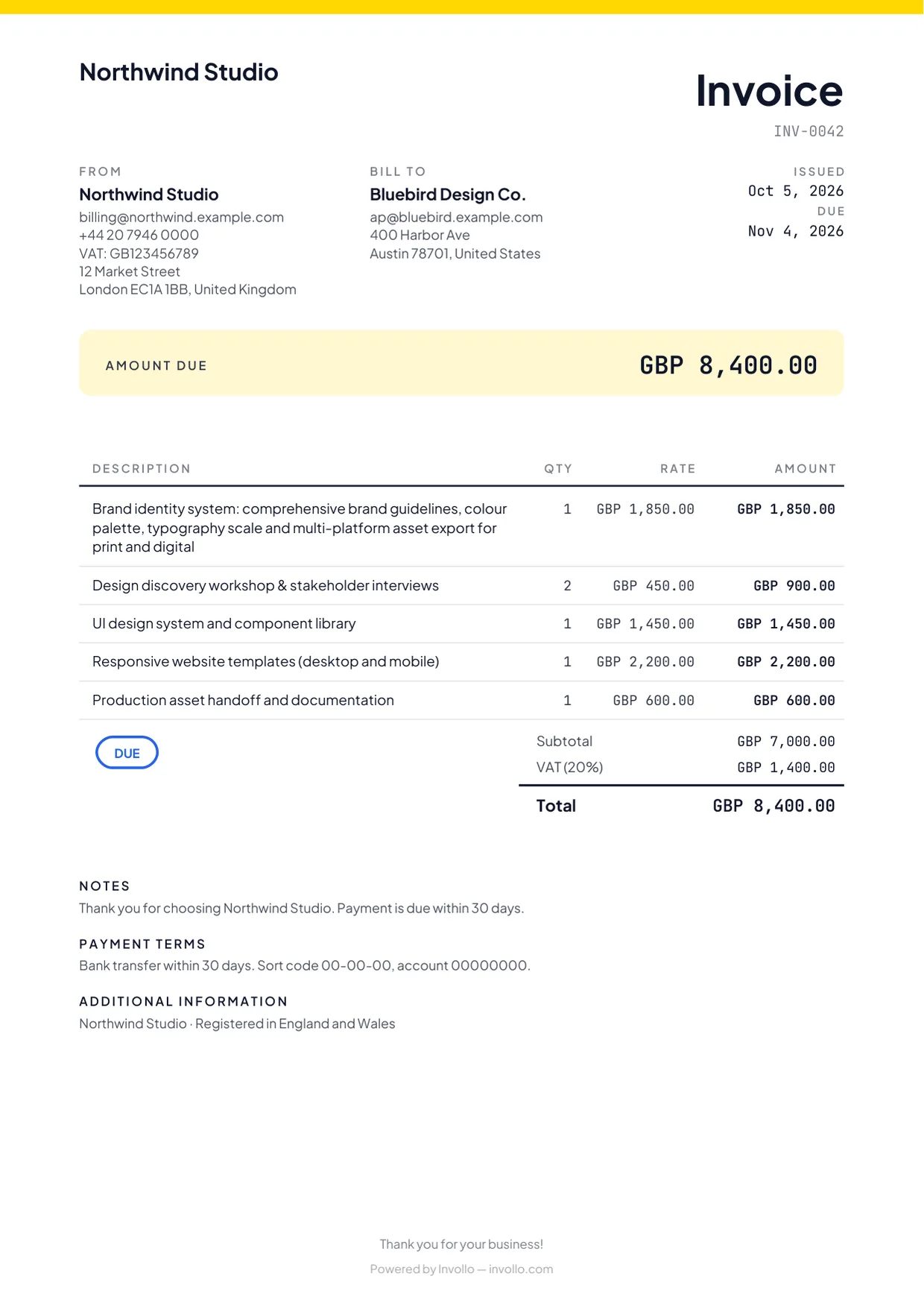
Add billable expenses onto client invoices as itemized lines when billing.
Net income on the dashboard
Compare revenue against operating expenses to see your net income across date ranges.
The fine print, up front
What Invollo does, and what it doesn’t
A free plan that never expires
The Free plan costs nothing, has no trial clock, and never expires. Upgrade only when you need more.
Export your data anytime
Download your records as CSV or JSON whenever you like, on any plan. No lock-in.
Your workspace stays yours
Workspaces are isolated at the database level, passwords require at least 12 characters, and sign-in forms block bots.
Clear about what’s missing
Invollo does not provide OCR receipt scanning, tax filing, or automatic bank feeds today.
FAQ
Expense tracking questions
- Can I add expenses to a client invoice?
- Yes. Mark an expense billable, link it to a project, and add it to the next invoice.
- Does Invollo scan receipts?
- Not currently. Receipt scanning (OCR) is on our roadmap under consideration; entries are logged manually.
- Can I track expenses in different currencies?
- Yes. Log costs in 26 currencies with automatic conversion to your workspace base currency.
- Does Invollo do my taxes or connect to my bank?
- No. Invollo tracks expenses for billing and export, but does not connect bank feeds or file taxes.
Related
Know what each project really earned
Create a free account, log this month’s expenses and see your net income next to revenue on the dashboard.