Quotes & proposals
Online quotes clients can sign, then turn into invoices
Send a quote as a link. Your client reviews the scope and price, types their full name and draws their signature to accept, and Invollo records the acceptance with a timestamp, IP address and SHA-256 proof. Convert the approved quote into an invoice.
Typed name plus drawn signature, designed for simple electronic signature use.
The problem
“Looks good, go ahead” is not much of a paper trail
Agreeing scope over casual emails or informal messages leads to scope creep, disputed prices, and lost agreements. Paper contracts delay projects. Invollo gives clients a fast way to sign quotes online, storing an acceptance record with a timestamp, IP address and SHA-256 fingerprint that help show which version was accepted, and converting approved lines into invoices.
How it works
From quote to signed approval to invoice
Build the quote
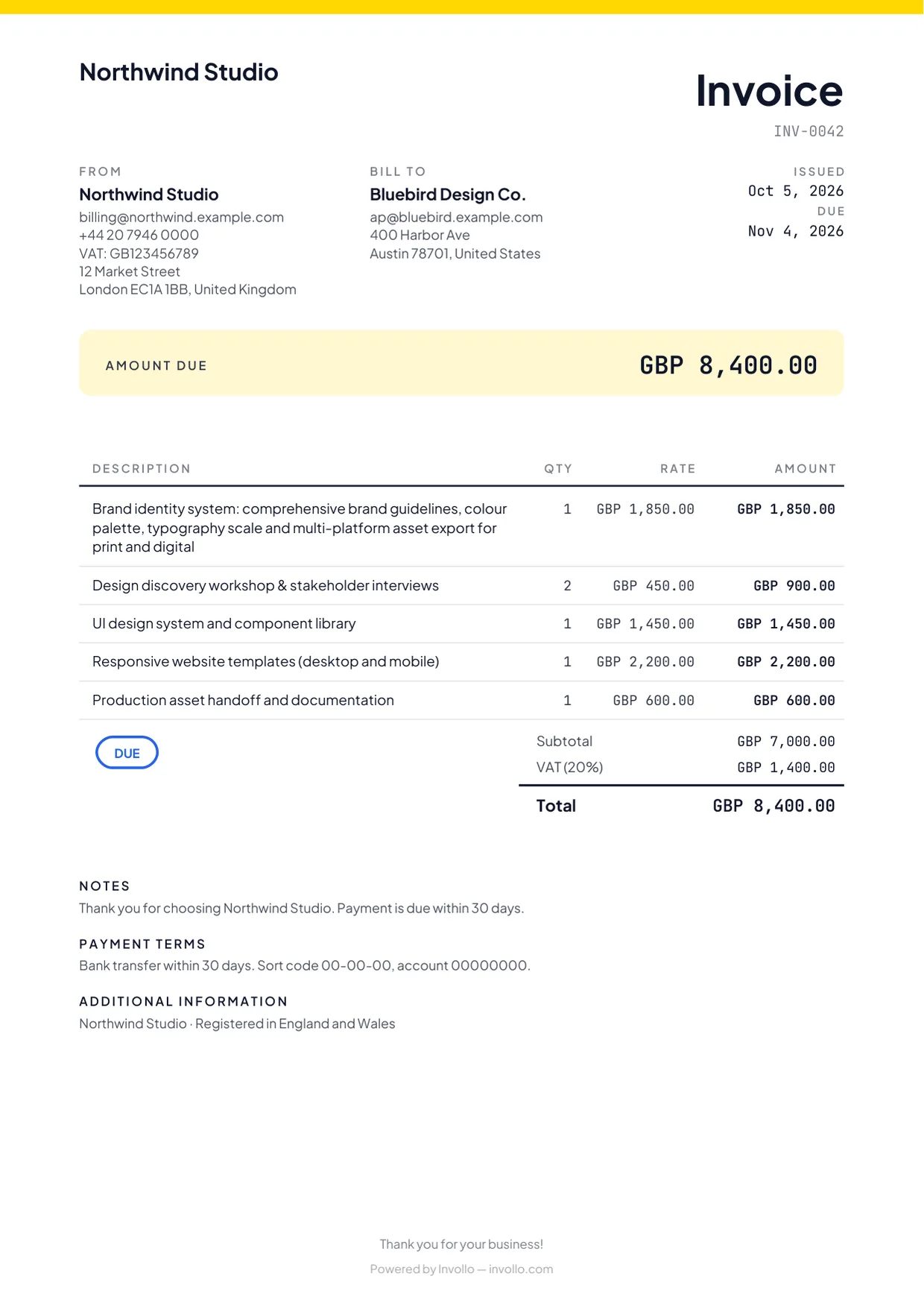
Create an itemised quote with line items, tax, discounts, and currency.
Send it as a link
Share a direct link or send the quote by email for client review.
Client types their name and signs
Clients accept by typing their full name and drawing a digital signature online.
Convert to an invoice
Convert the approved quote into an invoice ready to send with a payment link.
What you get
What quotes in Invollo can do
Itemised quotes
Include clear quantity, rate, tax, and discount lines so clients know exactly what they approve.
Quote in the client’s currency
Create proposals in any of 26 currencies to work effortlessly with domestic and international clients.
Shareable link and email
Send proposals by email or generate instant public links accessible on any device.
Name and signature acceptance
Clients sign online with a typed full name and drawn signature without scanning or printing.
Acceptance record with SHA-256 proof
Records timestamp, signer IP, and SHA-256 hash to prove exactly which version was approved.
Convert to invoice
Transfer approved quote items directly into a draft invoice without retyping.
About the legal side
What this e-signature is, and isn’t
Invollo’s quote acceptance is designed to meet simple electronic signature requirements (US ESIGN Act and EU eIDAS) by recording intent, a timestamp, signer IP address, and SHA-256 proof.
This is for simple electronic signatures and is not legal advice. Agreements requiring advanced or qualified signatures should use dedicated signing services.
The fine print, up front
Straight answers before you sign up
A free plan that never expires
The Free plan costs nothing, has no trial clock, and never expires. Upgrade only when you need more.
0% of your client payments
Clients pay you directly into your bank, Stripe or PayPal account. Invollo never holds the money and takes 0%; your bank's or payment provider's own fees still apply.
Your workspace stays yours
Workspaces are isolated at the database level, passwords require at least 12 characters, and sign-in forms block bots.
A record you can point to
Every acceptance stores a timestamp, IP address, and SHA-256 fingerprint that help show which version was accepted.
FAQ
Quote and e-signature questions
- Is a signature on an Invollo quote legally binding?
- Invollo quote signatures are designed to meet simple electronic signature requirements under US ESIGN and EU eIDAS. Whether a specific agreement is enforceable depends on your jurisdiction and the contract type.
- What does the SHA-256 proof do?
- When a client accepts, Invollo stores a SHA-256 fingerprint of the quote with a timestamp and IP address, which helps show which version was accepted.
- Does my client need an Invollo account to accept a quote?
- No. Clients can open the quote link and sign directly without creating an account.
- Can I turn an accepted quote into an invoice?
- Yes. You can convert the approved quote items and totals directly into a new invoice.
Related
Get your next project approved in writing
Create a free account, send a quote in a few minutes, and let your client accept it online by typing their name and drawing their signature.