Client portal
A client portal where clients see everything, and pay online
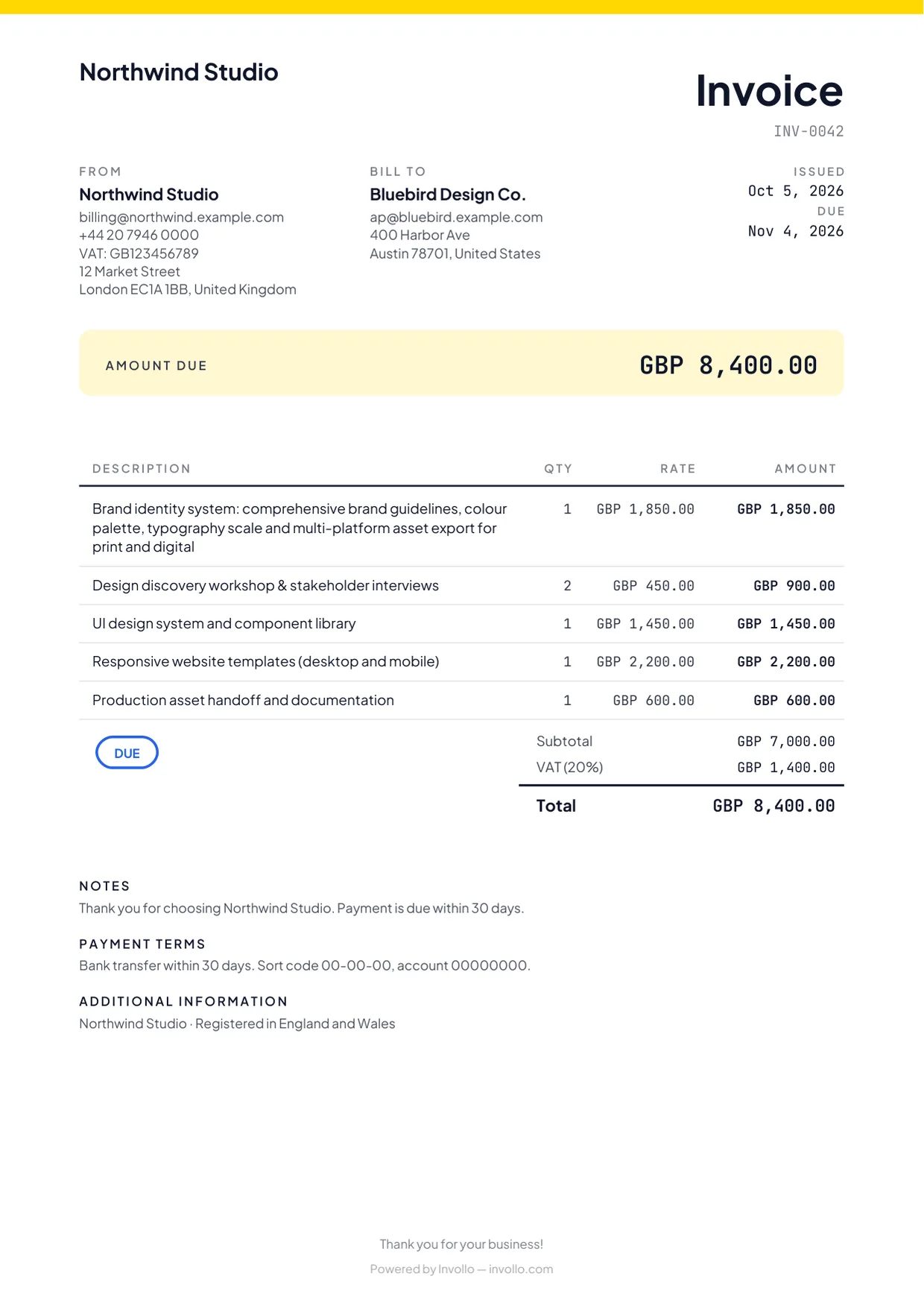
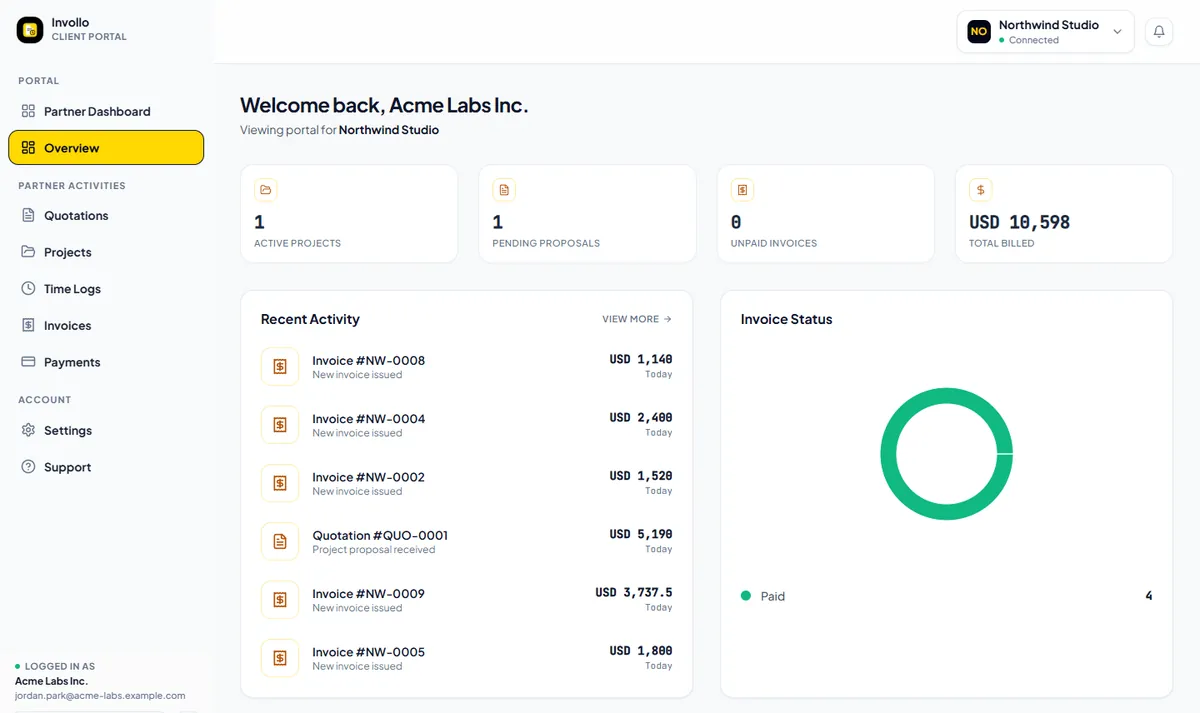
Invite a client and they get one sign-in for their invoices, quotes, projects and deliverables. They can pay outstanding invoices online, straight into your own Stripe or PayPal account, without emailing you for a copy.
Included on the Free plan. Clients don’t pay anything to use the portal.
The problem
Clients shouldn’t have to dig through email to pay you
Clients constantly email asking for resent invoice PDFs, approved quote versions, or project status updates. These small back-and-forth messages delay payments. Invollo gives each client a secure portal where they can access invoices, sign quotes, follow projects, and pay online directly.
How it works
How the client portal works
Invite the client
Send a secure portal invitation email directly from the client’s record in Invollo.
They sign in
Your client creates their login and views only their own invoices, quotes, and projects.
They review and act
Clients review deliverables, inspect quotes, and check logged hours if permitted.
They pay online
Clients click to pay outstanding invoices directly into your Stripe or PayPal account.
What you get
What your clients can do in the portal
See every invoice
Clients can view current, paid, and overdue invoices along with outstanding balances.
Pay online
Clients pay via card through your Stripe or PayPal account. Invollo takes 0%; your bank's or payment provider's own fees still apply.
Review and accept quotes
Clients review and sign pending quotes with typed names and drawn signatures.
Follow projects and deliverables
Keep clients updated on active project progress and associated deliverables.
Work diary
Clients can review logged hours and tracker screenshots if workspace permissions allow.
Their own secure sign-in
Each client accesses their private portal securely, completely isolated from other client records.
The fine print, up front
Good to know before you invite a client
0% of your client payments
Clients pay you directly into your bank, Stripe or PayPal account. Invollo never holds the money and takes 0%; your bank's or payment provider's own fees still apply.
A free plan that never expires
The Free plan costs nothing, has no trial clock, and never expires. Upgrade only when you need more.
Your workspace stays yours
Workspaces are isolated at the database level, passwords require at least 12 characters, and sign-in forms block bots.
Screenshots are opt-in for clients
Desktop screenshots are only visible to clients if the workspace explicitly enables portal access.
FAQ
Client portal questions
- Does my client have to pay to use the client portal?
- No. The client portal is completely free for all your invited clients.
- Can clients pay an invoice without signing in?
- Yes. Every invoice also includes a public link for direct payment without logging in.
- What can a client see in the portal?
- Clients only see their own quotes, invoices, projects, and permitted work diary logs.
- Where do clients sign in?
- Clients sign in at app.invollo.com/client/signin, completely separate from workspace owner logins.
Related
Give your clients one place to look
Create a free account, add a client and send the portal invitation. They’ll see their invoices, quotes and projects the next time they sign in.