Proof of work and proof packs
Add screenshots of your work to each day, and download a proof pack with fingerprints you can check.
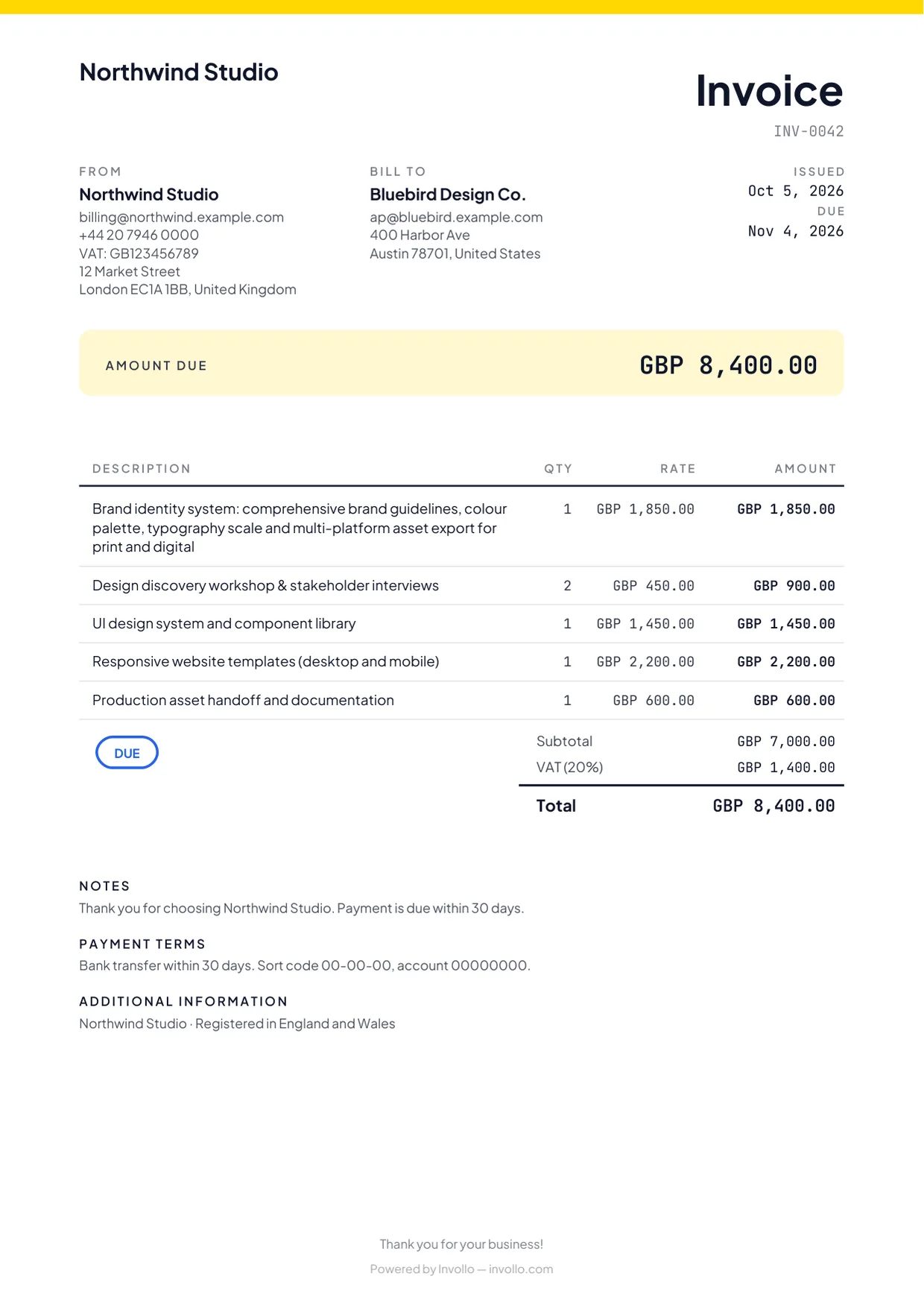
A list of hours alone is weak evidence in a dispute. Proof of work is a screenshot of the work itself (the page, design or issue you worked on), attached to the day and session it belongs to.
Adding proof
- On the order page: click Add in the Proof of work column of a session and choose an image (PNG, JPEG or WebP, up to 5 MB).
- In the browser extension: while the timer runs, open the tab with your work and click Capture proof. It takes one screenshot of that tab. Marketplace pages are never captured.
Downloading a proof pack (Pro and Business)
- Open the order and scroll to Proof pack.
- Choose the Period: This week, One day, This month or Whole order.
- Click Download ZIP.
- report.pdf: a plain hours report with the order, the period, the sessions and the list of proof. It has no logo, links or contact details, so it is safe to share on the marketplace.
- sessions.txt: every session in plain text.
- proof/: your proof screenshots in a folder per day.
- fingerprints.txt: the SHA-256 fingerprint of every proof screenshot.
Checking the fingerprints
A fingerprint shows that a screenshot is unchanged since the pack was made. To check all of them, unzip the pack and run sha256sum -c fingerprints.txt in the folder (Linux or macOS). On Windows, run Get-FileHash -Algorithm SHA256 on a screenshot in the proof folder in PowerShell and compare the result with its line in fingerprints.txt.
Related Guides
Fiverr hourly orders and the weekly report
Track hours in Fiverr's UTC week, fix the warnings, and copy the text for Fiverr's Report hours form.
Reply helper in the browser extension
Draft replies from selected text with a right-click, from a chat it reads for you, and with the optional reply-box button on Fiverr.
Project reports and client summaries
Generate detailed project reports with hours, sessions, invoices, and proof screenshots as a PDF or CSV.
Ready to streamline your invoicing?
Start on Invollo’s free plan with no credit card required. Manage invoices, time tracking, and client billing in one place.