Agency team sheet, payouts and payslips
See each member's hours on marketplace orders, record what you pay them, and download payslips (Business).
On the Business plan, agencies can see who worked how long on which marketplace order, and keep a record of what each member was paid. Open Settings → Team: the Marketplace team sheet is below your team members.
The team sheet
Choose Week (Fiverr's UTC week) or Month. The sheet lists each member, the orders they worked on, and their hours. Each member tracks time on the order's project under their own name.
Recording a payout (owners and admins)
- On a member's row, click Record payout.
- Enter a Pay rate / h (Invollo suggests the amount from the hours) or type the Amount.
- Choose the Method: Bank transfer, bKash, Nagad, Payoneer, Cash or Other, and add a reference if you like.
- Tick Already paid today if you have paid, then click Save payout.
- A payout is Due until you click Mark paid.
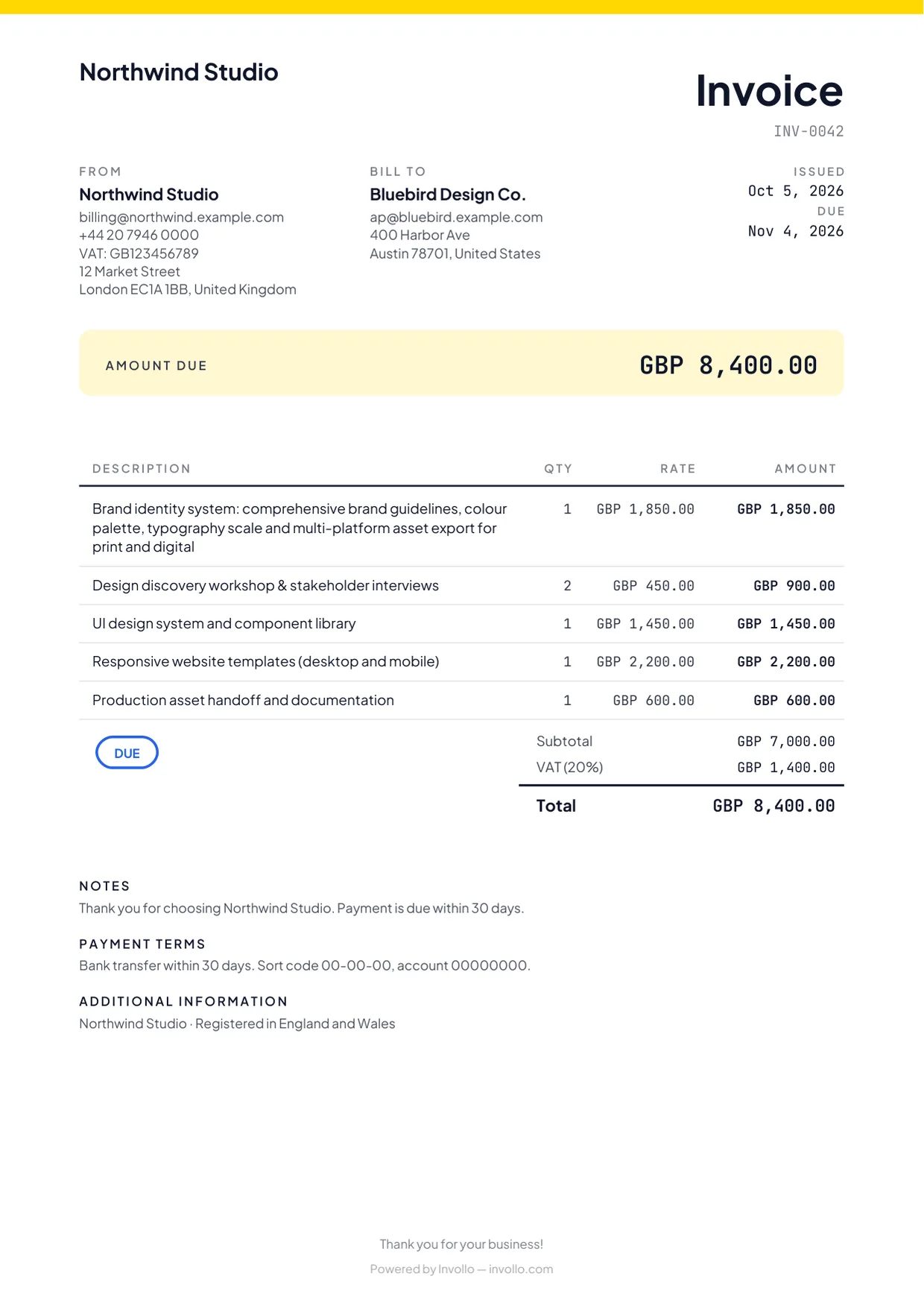
- Click Payslip to download a PDF payslip with the member, period, hours by order, amount, method and status.
- Only payouts that are still Due can be deleted.
Related Guides
Inviting team members with Owner, Admin, and Member roles
Collaborate with team members on the Business plan with 3 included seats and clear roles.
Marketplace earnings, withdrawals and statement check
See what you earned after fees, when it clears, what you withdrew, and check it against your Fiverr statement.
Fiverr hourly orders and the weekly report
Track hours in Fiverr's UTC week, fix the warnings, and copy the text for Fiverr's Report hours form.
Ready to streamline your invoicing?
Start on Invollo’s free plan with no credit card required. Manage invoices, time tracking, and client billing in one place.