Settings, PDF & BrandingUpdated October 5, 2026
Configuring tax rates, VAT numbers, and regions
Add sales tax, VAT, or GST rates, choose a default rate, and enter your VAT/GST number and tax ID.
Set up the taxes you charge, whether that is sales tax, VAT, or GST.
Configuring your tax settings
- Navigate to Settings and click Tax & region.
- Enter your VAT / GST Number and Tax ID (TIN) if you have them, then click Save in the Unsaved changes bar at the top.
- Under Tax rates, click Add tax rate, enter a Name and Rate (%), and tick Make default for new invoices and quotes if it should be your default.
- Click Add tax rate to save it.
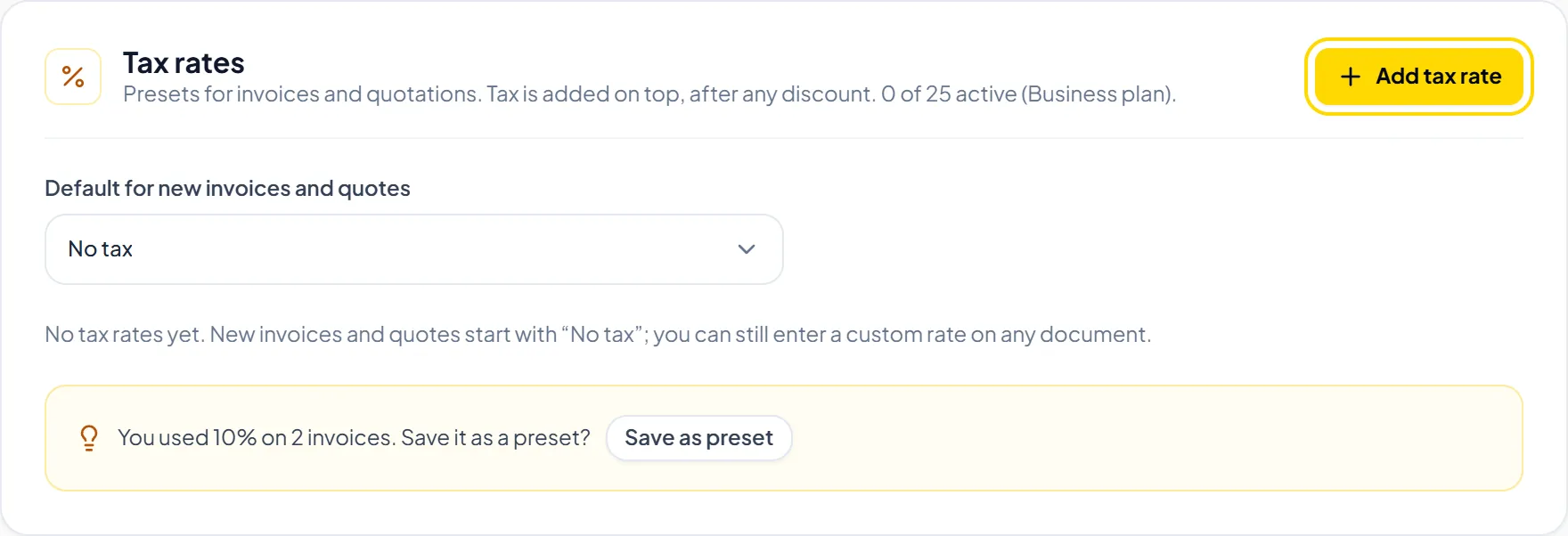
Helpful TipYou can pick a different tax rate (or No tax) on any individual invoice or quote.
Was this guide missing something or do you need further clarification?Contact Support
Related Guides
Adding and managing client profiles and tax info
Store client names, emails, addresses, tax numbers, and the preferred currency used on their invoices.
Read guide
Creating and sending your first invoice
Step-by-step guide to choosing a client, adding line items, saving a draft, and emailing an invoice.
Read guide
Invoicing in 26 currencies with daily exchange rates
Learn how multi-currency billing, daily indicative ECB rates, and fixed invoice rates operate.
Read guide
Ready to streamline your invoicing?
Start on Invollo’s free plan with no credit card required. Manage invoices, time tracking, and client billing in one place.
Free forever plan · No credit card required · 0% of your client payments